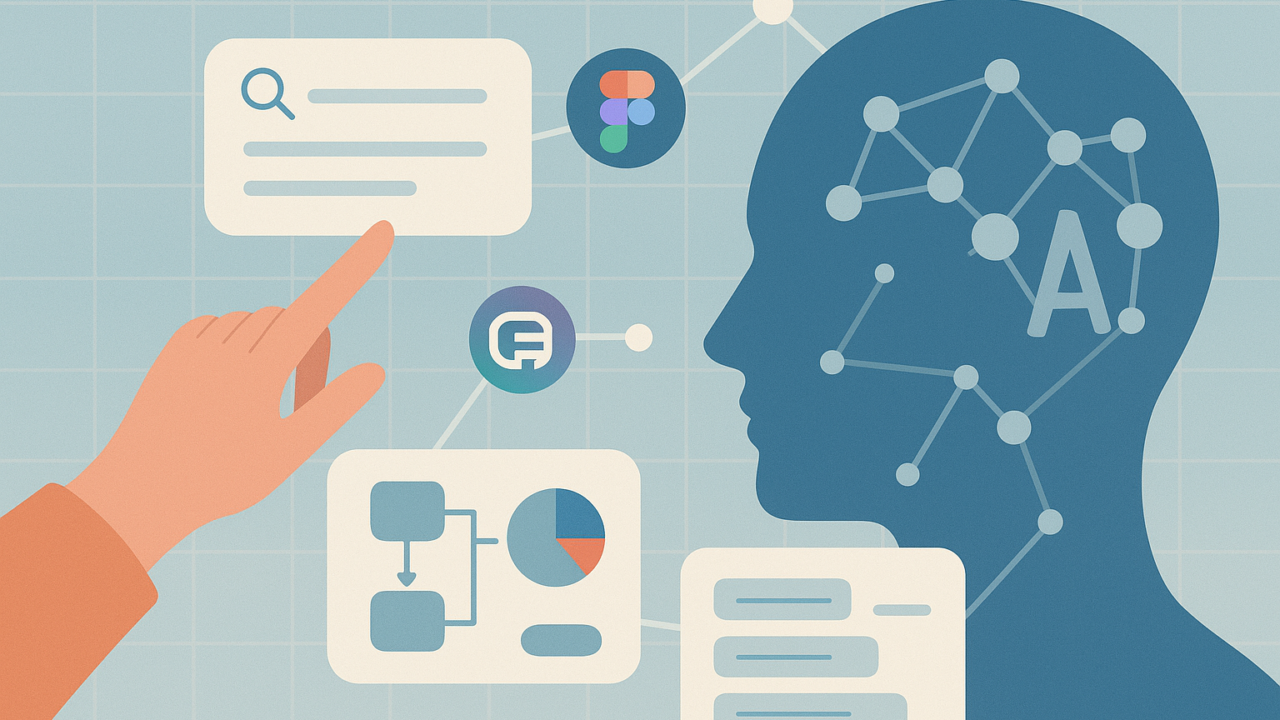
In 2025, using AI as a product designer isn’t new. It’s expected. It’s in your Figma. It’s in your Slack threads. It’s what speeds up the work you used to hate and gives you more time for the parts you want to get right.
By now, most designers have played with AI tools. Maybe to rewrite some copy, clean up a deck, or generate a quick image for a mock. But something bigger is happening under the surface.
AI isn’t just helping us work faster. It’s changing how we work. It’s changing how we think, how we collaborate, and how we even begin. It’s not replacing designers. It’s removing blockers, reducing anxiety, and giving us more confidence in the earliest stages of a problem. It’s helping us move past the blank page and into real product thinking. Faster.
This article is about what actually matters when you work with AI every day. What’s useful? What’s not. And what’s just beginning. From someone figuring it out in real time.
1. AI for roadmapping, validation, and getting unstuck
Sometimes the hardest part of design isn’t Figma. It’s figuring out where to start. You open a blank Notion page and freeze. You’re not sure what to write. Not sure what’s important. Not sure where to begin.
That’s where AI has quietly become part of my everyday workflow. I use ChatGPT or Claude not to write polished docs, but to break the ice. To suggest a structure. To offer a starting point I can respond to or reshape.
I’ll write a messy description of the problem and ask:
- What might a roadmap look like for this?
- What’s the smallest experiment we could run to validate this idea?
- What have other teams done in similar spaces?
Sometimes I even paste in team goals or context and ask:
“Can you help frame 3 directions that ladder up to this strategy?”
It’s especially helpful when I’m too deep in it. It helps me zoom out. Spot missing pieces. Get a skeleton version of something I can build on.
And this isn’t just theory. I’ve seen roadmaps evolve with AI built in from the start in many companies. AI tools aren’t just helping with execution, they’re showing up in planning meetings. Helping teams map out which features can be tested faster. Which experiments are worth running. Which tasks can be automated or skipped entirely.
In 2025, that means designing with AI at the core, not as an afterthought. AI can help you think through real product problems, not just clean up the final file. When you’re stuck, momentum is everything. AI helps you find your first few steps and avoid wasting cycles going in circles.
2. AI for research (The good kind, not just Google)
Designers spend a huge amount of time researching. But most of the time, we just default to Google. That’s fine, but it gives you the same 10 links as everyone else. And when you’re working in a new domain, or trying to understand real user needs, that surface-level research isn’t enough.
That’s where AI can help you go deeper.
When you want to understand something, how older adults use mobile banking, or how onboarding flows work in fitness apps – describe the topic and ask the model. Especially if you have the paid version of chagpt (or other state-of-the-art models) that have deep research functionality:
“What should I read? What case studies are worth looking into? What questions am I not asking?”
It often surfaces unexpected things:
- Long-form UX reports from old blogs
- Academic papers hidden behind jargon
- Conference talks I wouldn’t have found
- Startups solving the same problem differently
I even ask AI to help me write better prompts.
“What should I ask if I want to deeply understand trust gaps in peer-to-peer apps?”
It helps me frame better questions and think more critically. It’s not perfect. But it expands the surface area of your curiosity, and fast. Good research leads to good design. AI can help you find better sources, ask sharper questions, and connect patterns across industries. Don’t treat it like a search bar. Treat it like a research assistant that never gets tired.
3. AI for feedback and clearer thinking
One of the most useful ways I use AI is for feedback. On docs, on ideas, and on my own writing. You know that moment before sharing a Notion link where you wonder, “Is this clear? Will this make sense to anyone but me?”
That’s when I paste it into AI and ask:
- What’s unclear or redundant?
- What would an engineer or PM challenge?
- Can this section be simpler?
The response isn’t perfect. But it gets me to see my work with new eyes. It’s like a first-round feedback partner that responds in seconds.
I also use it while writing briefs, flow descriptions, or internal strategy notes. It helps me:
- Simplify messy intros
- Tighten logic
- Ask: Why does this even matter?
Tools like Figma and Adobe have already started slowly integrating this kind of logic directly into their products. Figma’s “Make” features can auto-generate UI from prompts. Adobe Firefly does the same for images and content. But the bigger shift is happening in how we use AI to shape ideas before they’re even visual.
Feedback doesn’t have to wait. AI gives you a low-stakes way to check your thinking, tighten your framing, and catch gaps before the team sees it. It’s not a replacement for critique. It’s prep work that makes your team conversations better.
4. AI for visual concepts and creative exploration
Before AI, visual exploration was slow. I’d scroll Pinterest. Screenshot Dribbble or X. Piece together 10 half-examples to show what I was imagining. Now? I can generate ideas in five minutes.
Tools like Midjourney let you type a style and get results instantly. I’ve used it to:
- Explore landing page, illustrations or brand directions.
- Generate brand visuals for early pitches
- Test layout styles I didn’t think of myself.
It’s not about pixel perfection. It’s about unblocking visual thinking. It gives you something to react to. Something to bring to your visual designer. Or something to show the team when you’re still early but want to set a vibe.
Big brands are already doing this. Coca-Cola let users remix their brand with AI. IBM used Firefly to turn the Las Vegas Sphere into a 3D “virtual fishbowl.” Even Nike has started using AI to prototype product concepts and cut waste in the design cycle.
You don’t have to wait to be inspired. AI can help you explore styles, directions, and moods faster. Without needing a fully staffed visual team. Use it as a way to expand your creative inputs.
5. AI as a thinking partner (not just a tool)
This is the one I use the most.
I treat AI like a teammate in the early stages of work. I’ll describe a product idea, just a paragraph or two, and then ask it to play a role:
- “You’re a skeptical PM. What would you challenge?”
- “You’re a design director. What’s missing from this pitch?”
- “You’re the engineer who has to build this. What’s unclear?”
It’s amazing how much clarity this gives me. Sometimes the AI asks better questions than I would have. Sometimes it reminds me to zoom out and think about trade-offs.
One of the most useful things I’ve done recently:
I pasted two competing product ideas and asked it to compare the pros and cons based on effort, user value, and team goals. The output wasn’t final, but it helped me turn a vague conversation into a team-ready doc.
This is where things are going. Human-AI collaboration is the default, not the exception. Designers are learning how to “talk to the model” as part of early thinking. Just like engineers use Copilot to move faster, we’re starting to use AI to think more clearly before we even open Figma.
AI doesn’t just generate assets. It helps you reason. Challenge yourself. Pressure-test ideas. Use it as a second brain, not a shortcut.
The Future of Design is Closer to Engineering (Or Product)
This shift has changed how I see the future of design roles.
I think the most influential designers in the next 5 years will fall into two types:
- Designers who get close to code, tooling, and systems. Design engineers.
- Designers who get close to product strategy and people. Design leads who think like PMs.
In both cases, AI will be part of the workflow. Not a bonus skill. It will be a foundation.
It’s making the “easy parts” of design faster. Which means the pressure is shifting to what only humans can do: clarity, prioritization, communication, judgment.
AI helps you get to “good” faster. But you still have to decide what’s great.
And the best part? It makes the work feel lighter. You can share earlier. Start sooner. Stress less about perfection. You can spend more time on the parts of design that actually matter.
Final note
AI is not replacing anyone. But it is raising the bar. Not just in speed, but in clarity, confidence, and consistency. And the teams who figure out how to use it well? They’ll move faster, ship smarter, and build things that feel like they were made just for the user.
Not because AI built it, but because humans used AI to focus on what matters most.